From p=none to p=reject: a safe DMARC rollout plan
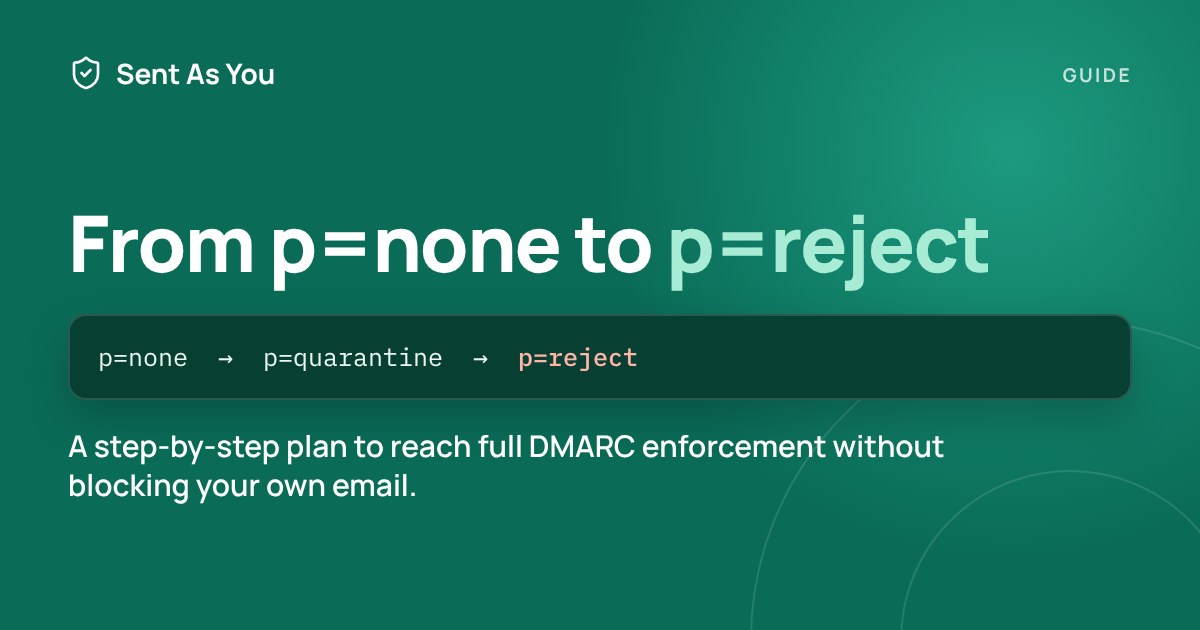
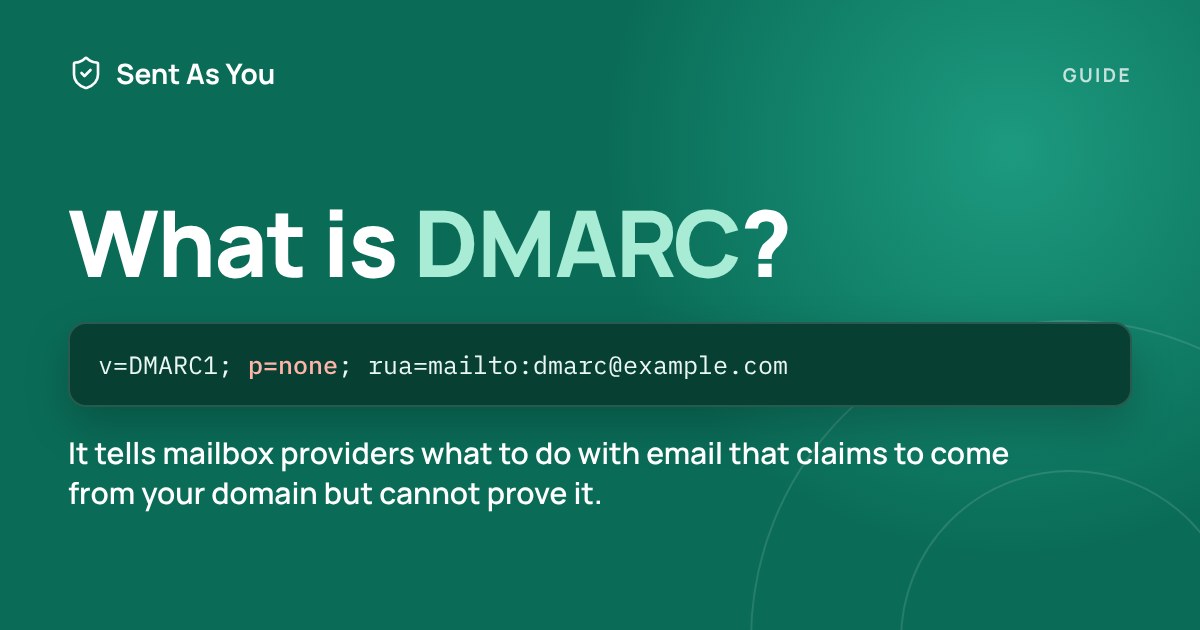
A DMARC record with p=none protects nobody. It only watches. A record with p=reject published too early blocks your own invoices and newsletters. The whole skill of DMARC is getting from the first to the second without losing legitimate mail. This is the plan.
Step 1: Start monitoring
Publish this record at _dmarc. followed by your domain:
v=DMARC1; p=none; rua=mailto:dmarc@example.comNothing changes for your mail. Reports start arriving within a day or two.
Leave it for at least four weeks. A shorter window misses the senders that only run occasionally: the monthly invoice batch, the quarterly newsletter, the system that emails once a year about renewals.
Step 2: List everything that sends as you
Read the reports, or drop them into the free analyzer, and write down every source. Expect surprises. Most businesses find more senders than they thought: the mailbox provider, a marketing tool, a helpdesk, the website, an accounting system, sometimes an old server nobody remembers.
For each one, decide whether it is yours. If it is, it needs to pass DMARC. If it is not, leave it failing. That is the point.
Step 3: Fix the legitimate senders
For each of your services, turn on DKIM signing with your own domain. Most services call this domain authentication and give you a few DNS records to add. Where a service also lets you use a custom return path, set it up so SPF aligns too.
Aim for aligned DKIM on everything. SPF fails whenever mail is forwarded, so a sender that passes DMARC through SPF alone will lose some messages under a strict policy.
Then wait a week and check the reports again. Repeat until the only failures left are forwarding and sources you do not recognise.
Step 4: Move to quarantine
v=DMARC1; p=quarantine; rua=mailto:dmarc@example.comFailing mail now goes to spam instead of the inbox. This is the safety net stage: if you missed a sender, its mail lands in spam, where it can still be found, instead of disappearing.
Hold here for about as long as you monitored, at least a month, and watch the reports. That is the pace the standard itself recommends: a month or more at none, then an equally long period at quarantine. If a legitimate sender shows up failing, fix it now.
What happened to pct?
Older guides tell you to ramp up with pct=10, then 25, 50 and 100, applying the policy to a growing share of mail. The 2026 standard, RFC 9989, removed pct. The standard's own explanation is that providers rarely applied it accurately except at 0 or 100. Some may keep reading it for a while, but it is no longer something to build a plan on.
Its partial replacement is the t tag. Adding t=y asks receivers to apply the policy one level below the one you declared: p=reject; t=y is treated as quarantine, and p=quarantine; t=y as none. It is a test flag, not an off switch, and because it is new you should not count on every provider honouring it yet.
The dependable way to ramp up today is by time, not by percentage: hold each stage, read the reports, then move on.
Step 5: Move to reject
v=DMARC1; p=reject; rua=mailto:dmarc@example.comProviders are now asked to refuse mail that fails DMARC. The policy is a request and each provider makes the final decision, but in practice mail that spoofs your domain is now refused or sent to spam instead of reaching the inbox.
Before this step, make sure every legitimate sender signs with DKIM. The standard requires a domain at p=reject to sign with DKIM and not to rely on SPF alone.
Step 6: Cover your subdomains
Attackers who cannot use example.com will try billing.example.com, whether or not it exists. Two tags deal with this:
spsets the policy for subdomains that exist. If you leave it out, they inheritp.npsets the policy for subdomains that do not exist. It is new in the 2026 standard and worth adding, since nobody legitimate sends from a subdomain you never created.
v=DMARC1; p=reject; sp=reject; np=reject; rua=mailto:dmarc@example.comStep 7: Keep watching
Reaching p=reject is not the end. Someone in your company will sign up for a new tool next quarter and start sending from it without telling you. Under p=reject that mail is refused from day one. The reports are how you find out before your customers do.
Two things to know before you enforce
Mailing lists. A list that adds a footer or changes the subject breaks the DKIM signature, and the list server is not in your SPF record. Under p=reject, messages your staff post to such lists may be refused for some subscribers. The standard is blunt about this: domains whose users post to mailing lists should not publish p=reject. If that describes your team, stopping at p=quarantine is a legitimate choice.
How long it takes. For a small business with a handful of senders, the whole path takes two to three months, most of it waiting. Rushing it is how legitimate mail gets blocked. Stalling at p=none for years is how domains stay unprotected.
Sources
New articles are announced on LinkedIn. Follow Sent As You