Outlook.com rejected email from domains without DMARC: what happened
In early November 2026, email sent to Outlook.com, Hotmail and Live.com addresses began to bounce with an error that blamed the sender's SPF, DKIM and DMARC records. Many of the senders were small businesses whose email had been delivered without trouble the day before.
It turned out to be a fault at Microsoft, not a new rule. It is still worth understanding, because it showed which domains are the most exposed when a mailbox provider's filters go wrong.
What senders saw
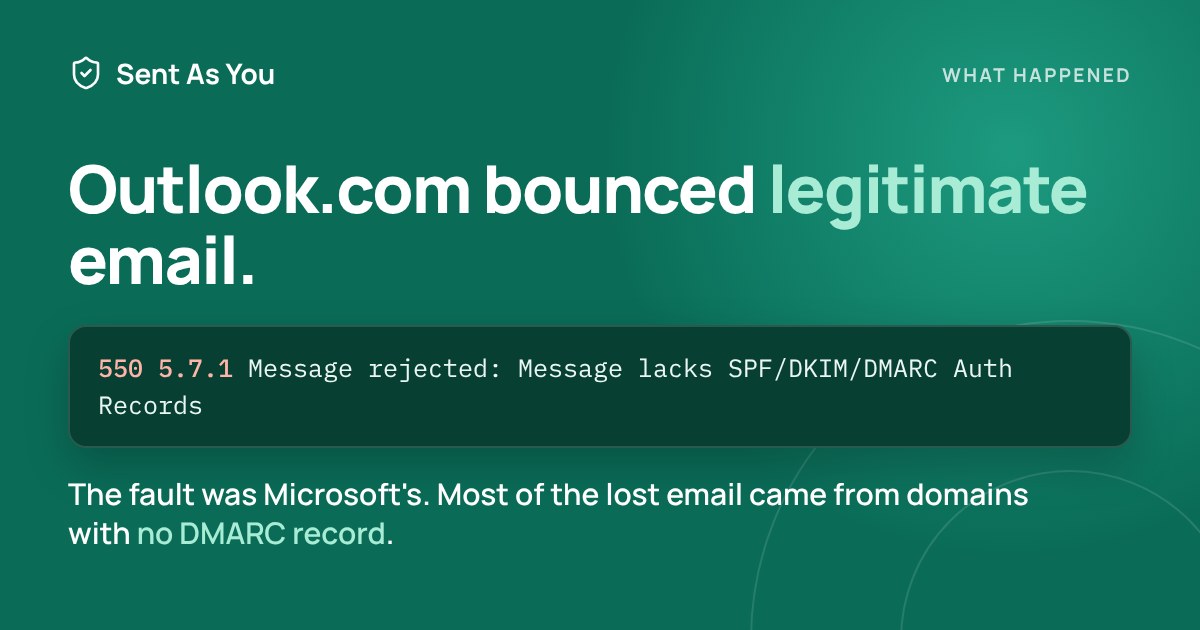
Bounced messages came back with this error:
550 5.7.1 Message rejected: Message lacks SPF/DKIM/DMARC Auth Records (AS9031519)The first reports on Microsoft's own support forum are dated 6 November. Some senders also quoted a second error, 550 5.7.23, which refers to an SPF failure.
A code that starts with 5 is a permanent rejection. Under the SMTP standard, the sending server should not try the same message again. So these emails were not delayed. They were refused, and the sender received a bounce.
What Microsoft said
On 9 November, a moderator on that forum, labelled as Microsoft staff, confirmed an "ongoing Exchange service issue" for messages sent to Outlook.com, Hotmail.com and Live.com addresses, and said it was "classified as a service degradation".
The cause comes from press reports. The Register quoted Microsoft's incident notice, numbered EX1545193, as saying that a recent update to its spam enforcement rules had caused messages to be wrongly marked and blocked. According to the same reports, Microsoft rolled the update back and mail flowed again on 9 November. The same day, a sender on the forum wrote that the rejections seemed to have stopped.
The notice was not published on a public page, so the cause is given here as the press reported it.
Who was affected
Reports from mail administrators and the press agree on the pattern:
- The rejections hit mail sent to Microsoft's consumer mailboxes.
- Most of the senders affected were small, well below 5,000 messages a day.
- Many had no DMARC record at all, and some said that publishing one made the errors stop.
- A few senders with complete authentication said they were rejected too.
Was this a new rule?
No. Microsoft's published requirements apply to domains that send 5,000 or more messages to its consumer mailboxes. They ask for SPF and DKIM to pass and for a DMARC record with at least p=none. Mail that breaks those rules is refused with a different error, 550 5.7.515, and Microsoft's support page for that error still states the 5,000 message threshold. The full comparison is in Gmail, Yahoo and Outlook sender requirements.
Small senders are still expected to authenticate. Yahoo, for example, asks every sender for at least SPF or DKIM. But a missing DMARC record, by itself, is not a published reason for Outlook.com to refuse a small sender's mail.
What to do now
- Look for bounces from those days. Search your bounce reports from 5 to 9 November for the error above. Those messages were not delivered and will not be retried, so resend the ones that matter.
- Check your suppression list. Many email platforms stop sending to an address after a permanent bounce. If yours did, contacts with Outlook or Hotmail addresses who bounced that week may still be blocked on your side.
- Publish a DMARC record if you do not have one. A monitoring record such as
v=DMARC1; p=none; rua=mailto:dmarc@example.comis enough to start. The record checker shows what your domain publishes today, and What is DMARC? explains each part. - Read your reports. With a
ruaaddress you receive reports that show who sends as your domain and whether each sender passes. The free analyzer turns them into one readable view.
The lesson
The fault was Microsoft's, but going by the reports, the mail that was lost came mostly from domains with no DMARC record. A record with p=none does not block any of your email, and you can publish it today. It also puts you on the safe side of the line the next time a filter is tightened, whether by design or by mistake.
One more habit helps. When mail to one provider suddenly starts to bounce, read the exact error code and check whether other senders are reporting the same thing before you change records that were working.
Sources
- Microsoft Q&A: SPF Validation Error
- Microsoft Q&A: Incoming emails being blocked due to lack of SPF/DKIM/DMARC records
- Microsoft: Fix NDR error 550 5.7.515 in Outlook.com
- Yahoo Sender Hub: Sender best practices
- RFC 5321: Simple Mail Transfer Protocol
New articles are announced on LinkedIn. Follow Sent As You