How to read a DMARC aggregate report, with a full example
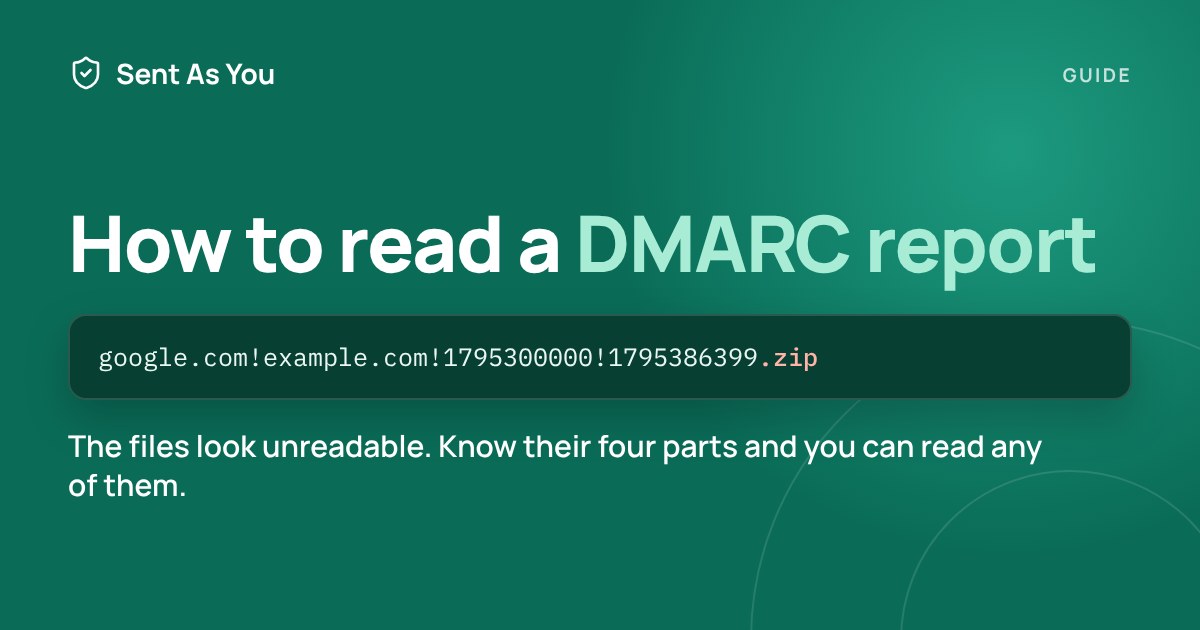
Once your DMARC record has a rua address, files start arriving. They come as XML, usually zipped, with names like google.com!example.com!1795219200!1795305599.zip. Opened in a text editor they look like noise. They are in fact simple, and once you know the four parts you can read any of them.
What an aggregate report is
Each mailbox provider that received mail claiming to be from your domain sends you a summary, normally once a day. It covers a fixed period, usually 24 hours, and contains counts only. There is no message content, no subject lines and no recipient addresses.
You get one file per provider per day. A domain that sends to Gmail, Outlook and Yahoo users will receive at least three files daily, plus more from smaller providers.
The four parts of a report
1. Who sent the report and for which period
<report_metadata>
  <org_name>google.com</org_name>
  <date_range><begin>1795219200</begin><end>1795305599</end></date_range>
</report_metadata>
The dates are Unix timestamps: seconds since 1 January 1970.
2. The policy they found
<policy_published>
  <domain>example.com</domain>
  <p>none</p><sp>none</sp><adkim>r</adkim><aspf>r</aspf>
</policy_published>
This is your DMARC record as the provider saw it. If it does not match what you think you published, your DNS has a problem.
3. One row per sending source
<row>
  <source_ip>203.0.113.30</source_ip>
  <count>412</count>
  <policy_evaluated>
    <disposition>none</disposition>
    <dkim>pass</dkim><spf>fail</spf>
  </policy_evaluated>
</row>
This says: 412 messages came from this IP address, nothing was done to them, and for DMARC purposes DKIM passed and SPF failed.
4. The raw authentication results
<auth_results>
  <dkim><domain>example.com</domain><selector>s1</selector><result>pass</result></dkim>
  <spf><domain>bounces.mailtool.example</domain><result>pass</result></spf>
</auth_results>
This shows which domains were actually checked and what each check returned.
The distinction that matters most
Look at the last two examples together. In auth_results, SPF says pass. In policy_evaluated, SPF says fail. Both are correct.
auth_resultsis the raw check. SPF passed forbounces.mailtool.example.policy_evaluatedis the DMARC view. That domain is not yours, so the pass does not align and does not count.
Whenever the two disagree, the cause is alignment: the check passed, but for someone else's domain. policy_evaluated is what decides whether your mail survives a strict policy, so that is the one to watch.
A complete example
Here is a whole report, short enough to read in one go. It is what Google would send for example.com about 21 November 2026, with three sending sources.
<?xml version="1.0" encoding="UTF-8"?>
<feedback>
  <report_metadata>
    <org_name>google.com</org_name>
    <email>noreply-dmarc-support@google.com</email>
    <report_id>4837261950374628190</report_id>
    <date_range><begin>1795219200</begin><end>1795305599</end></date_range>
  </report_metadata>
  <policy_published>
    <domain>example.com</domain>
    <adkim>r</adkim><aspf>r</aspf>
    <p>none</p><sp>none</sp><pct>100</pct>
  </policy_published>
  <record>
    <row>
      <source_ip>203.0.113.30</source_ip>
      <count>412</count>
      <policy_evaluated>
        <disposition>none</disposition>
        <dkim>pass</dkim><spf>fail</spf>
      </policy_evaluated>
    </row>
    <identifiers><header_from>example.com</header_from></identifiers>
    <auth_results>
      <dkim><domain>example.com</domain><selector>s1</selector><result>pass</result></dkim>
      <spf><domain>bounces.mailtool.example</domain><result>pass</result></spf>
    </auth_results>
  </record>
  <record>
    <row>
      <source_ip>198.51.100.24</source_ip>
      <count>37</count>
      <policy_evaluated>
        <disposition>none</disposition>
        <dkim>fail</dkim><spf>fail</spf>
      </policy_evaluated>
    </row>
    <identifiers><header_from>example.com</header_from></identifiers>
    <auth_results>
      <dkim><domain>helpdesk.example</domain><selector>hd1</selector><result>pass</result></dkim>
      <spf><domain>helpdesk.example</domain><result>pass</result></spf>
    </auth_results>
  </record>
  <record>
    <row>
      <source_ip>192.0.2.77</source_ip>
      <count>5</count>
      <policy_evaluated>
        <disposition>none</disposition>
        <dkim>fail</dkim><spf>fail</spf>
      </policy_evaluated>
    </row>
    <identifiers><header_from>example.com</header_from></identifiers>
    <auth_results>
      <spf><domain>example.com</domain><result>fail</result></spf>
    </auth_results>
  </record>
</feedback>
What this report says
In plain words: on 21 November 2026, Google received 454 messages that claimed to come from example.com. The policy was p=none, so all of them were delivered whatever the result. That is why disposition says none in every row.
A message passes DMARC when dkim or spf inside policy_evaluated says pass. One of the two is enough.
203.0.113.30, 412 messages: passes. DKIM passed with your own domain. SPF passed too, but forbounces.mailtool.example, so it does not count. This is a sending tool that is set up correctly.198.51.100.24, 37 messages: fails. DKIM and SPF both passed, but forhelpdesk.example, not for your domain. This is a real tool of yours that still signs with its own domain.192.0.2.77, 5 messages: fails. There is no DKIM signature, and SPF failed for your domain. This is someone sending as you, or a server you forgot about.
The second source is the one to act on. Those 37 messages are real mail from your business, and they would go to spam or be refused the day you move to quarantine or reject. The fix is in that tool's settings: have it sign with your domain.
Each record has one part that the four above did not cover: identifiers. Its header_from is the domain in the From line that people see, which is the one DMARC protects.
To see this report as a dashboard, copy it and paste it into the free analyzer, under "Paste XML".
Turning rows into decisions
Group the rows by source and work out who each one is. Nearly every source falls into one of four cases.
| What you see | What it means | What to do |
|---|---|---|
| Known service, DMARC passing | Correctly set up | Nothing |
| Known service, DMARC failing | Legitimate mail that a strict policy would block | Set up DKIM with your domain in that service |
| Unknown IPs, small volume, SPF fails but DKIM passes | Forwarding | Nothing. DKIM is doing its job |
| Unknown source failing both | Spoofing, or a tool you forgot about | Investigate. If it is not yours, your policy will handle it |
The second case is the one that needs your attention. Each of those is real mail from your business that will go to spam or be refused once you move to quarantine or reject.
What reports cannot tell you
- The content, subject or recipient of any message.
- The exact time a message was sent, only the day.
- Anything from providers that do not send reports. The large ones do, many small ones do not.
They also say nothing about whether a message reached the inbox. DMARC reports are about authentication, not about spam filtering.
Reading them at scale
Reading one file by hand is a useful exercise. Reading a month of files from six providers is not: the same sender appears in every file, split across days and providers, and the picture only makes sense once everything is added up.
That is the job of an analyzer. Drop your files into the free analyzer on this site and it merges them into one view: every sending source, its volume, its pass rates and a prioritised list of what to fix. The files are read in your browser and are not uploaded.
Sources
New articles are announced on LinkedIn. Follow Sent As You