The Microsoft 365 outage of November 2026: what happened to your email
On Thursday 12 November 2026, email in Microsoft 365 stopped working for most of its users, and it stayed that way for almost a day. If you send email from your own domain, some of your recipients almost certainly have a Microsoft mailbox, so your mail was caught in it too.
Microsoft's report on the incident is dated 20 November. It is published to customers in the Microsoft 365 admin centre, and this article is based on a copy of it. The short version for senders: most email was delayed and then delivered, some was returned, and none of it had anything to do with SPF, DKIM or DMARC.
What happened
According to the report, the incident began on 12 November at 16:20 UTC. Most users could not connect to their mailboxes in Exchange Online, the email service behind Microsoft 365, and sending and receiving email was "severely degraded". Teams, SharePoint and other services were affected too. Customers stopped seeing problems on Friday 13 November at 16:10 UTC, and Microsoft declared the incident resolved on Saturday 14 November.
The cause was a hidden defect that made Windows servers at the edge of Microsoft's network become overwhelmed and stop responding under heavy load. Microsoft says it was not a cyberattack.
This was a different incident from the Outlook.com rejections of 5 to 9 November, which bounced mail from domains without a DMARC record.
What senders saw
Sending platforms saw Microsoft's servers answer with temporary errors. Spam Resource quoted these from the status notice of SparkPost, a large sending platform:
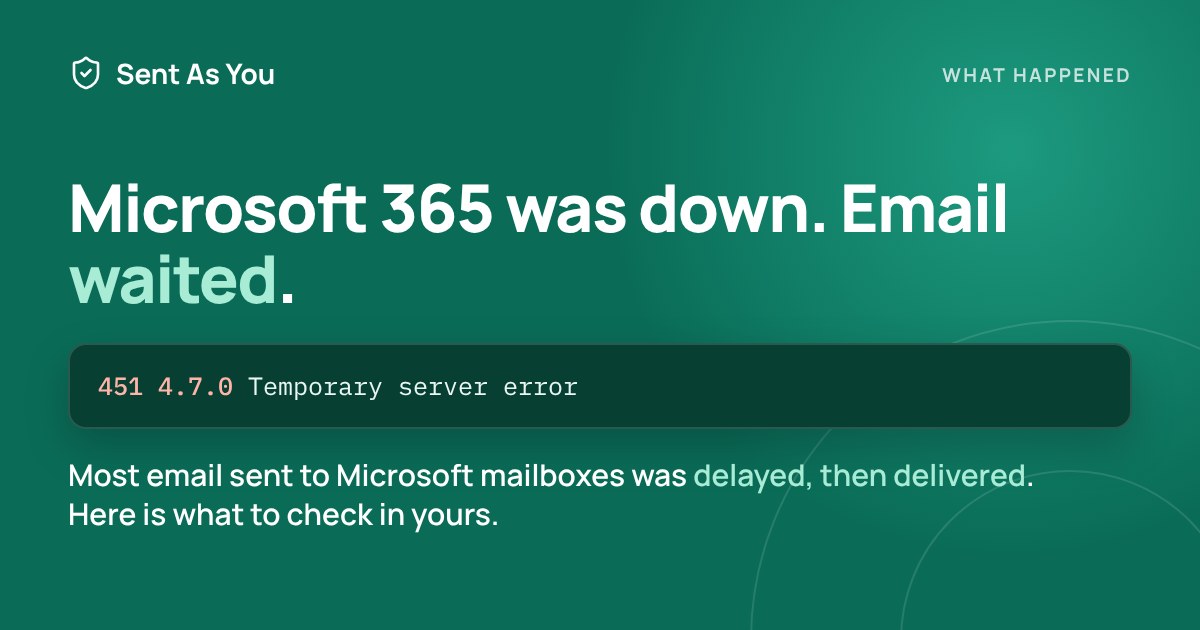
451 4.7.0 Temporary server error
421 4.3.2 The maximum number of concurrent server connections has exceeded a limit
451 4.7.700 PFA agent busy
The same notice named Outlook.com, Hotmail, Live, MSN and Office 365 recipients.
The first digit is what matters. A code that starts with 4 is a temporary failure. Under the SMTP standard, the sending server should try again. As a general rule it waits at least 30 minutes between attempts and keeps trying for at least four or five days before giving up. So a sending service that follows the standard held your messages in a queue and delivered them once Microsoft recovered.
Delayed, not lost, with one exception
Microsoft's report says email delivery "was delayed for most users". To keep delayed messages from being returned to their senders, Microsoft extended the time its own systems keep retrying from 24 to 48 hours. It says that all queued messages for business customers have been delivered, and that it found none permanently lost.
The exception is in the same report. Some delayed messages for consumer mailboxes that had been inactive for more than 30 days expired, and their senders received a non-delivery report.
There is a second way to lose a message, and it is on your side. Not every sending service is as patient as the standard asks. If yours gives up after a few hours, a message that met temporary errors throughout the outage could have come back to you as a bounce.
How to tell a delay from a rejection
| Code starts with 4 | Code starts with 5 | |
|---|---|---|
| Meaning | Temporary failure | Permanent rejection |
| What the sending server does | Keeps the message and tries again | Stops trying |
| What you see | A late delivery, often with no notice | A bounce |
| Example | This outage | The Outlook.com rejections a week earlier |
What to check now
- Look at your bounces from 12 to 14 November. Filter for Microsoft addresses: Outlook.com, Hotmail, Live and the business domains hosted on Microsoft 365. Resend anything that mattered.
- Check your suppression list. Many platforms stop sending to an address after a bounce. If you see an unusual number of Microsoft addresses suppressed on those dates, ask your platform to reactivate them.
- Think about mail that only works on time. A password reset, a login code or an appointment reminder that arrives a day late is of little use. If you sent many of those during the outage, a follow-up to the people affected may be worth it.
- Leave your DNS alone. Nothing in your SPF, DKIM or DMARC records caused this, and nothing in them could have prevented it. If you want to confirm that your records are in order, the record checker reads them for you.
The lesson
Email is built to survive this kind of failure: the sender waits and tries again. That design is why an outage of almost a full day ended with most mail delivered.
What you control is knowing how your own sending service behaves: how long it retries, when it gives up, and what it does with an address after a bounce. Those three answers are worth having before the next outage, at Microsoft or anywhere else.
Sources
- Microsoft: Post Incident Report for Microsoft 365, incident MO1550821, 20 November 2026 (copy published by 365 Fanatic)
- Microsoft Q&A: Outage 11/12/26
- RFC 5321: Simple Mail Transfer Protocol
New articles are announced on LinkedIn. Follow Sent As You