What is DMARC? A plain-language guide for domain owners
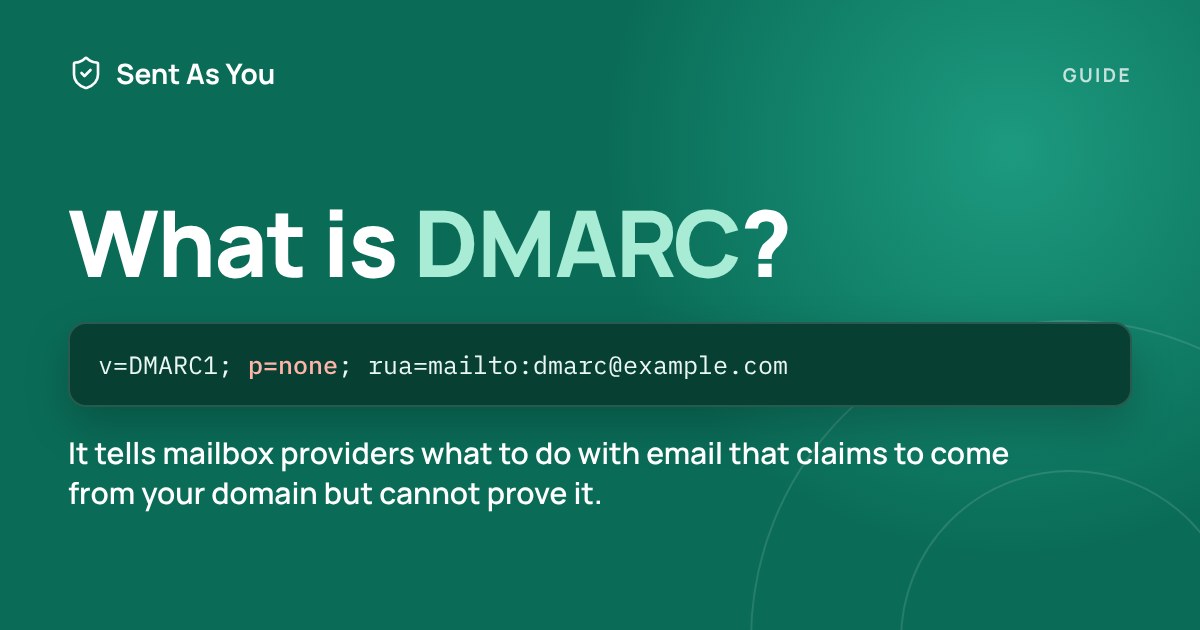
Anyone can type your domain into the From line of an email. Nothing in the original design of email stops them. DMARC is the fix: a short DNS record in which you tell Gmail, Outlook, Yahoo and every other mailbox provider how to treat mail that claims to be from you but cannot prove it, and where to send reports about what they see.
The problem DMARC solves
When a criminal sends invoices, password resets or "urgent" requests using your domain, your customers see your name. They cannot tell the difference, and neither can you, because the message never touches your systems.
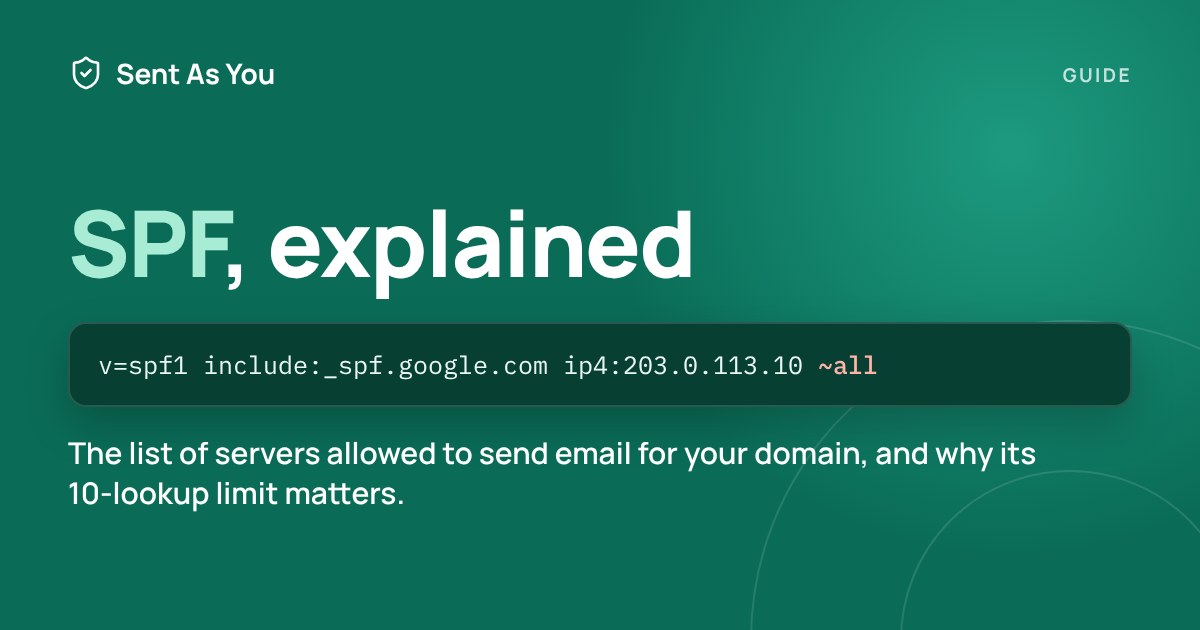
Two older standards try to help. SPF lists the servers allowed to send for a domain. DKIM adds a digital signature to each message. Both are useful, but on their own they have a gap: neither one checks the address the reader actually sees in the From line. A message can pass SPF and DKIM for some unrelated domain and still show yours.
DMARC closes that gap.
How DMARC works
DMARC stands for Domain-based Message Authentication, Reporting and Conformance. When a message arrives, the receiving server does three things:
- It looks at the domain in the visible From address.
- It checks whether SPF or DKIM passed for that same domain. This match is called alignment.
- It looks up your DMARC record. If neither check passed with alignment, it follows the policy you published there.
A message needs only one of the two to pass DMARC: aligned SPF or aligned DKIM. In practice you want both, because forwarding often breaks SPF and DKIM is what keeps forwarded mail passing.
What a DMARC record looks like
A DMARC record is a TXT record published at _dmarc. followed by your domain. The simplest useful version is:
v=DMARC1; p=none; rua=mailto:dmarc@example.com| Tag | What it means |
|---|---|
v | The version. Always DMARC1, and always first. |
p | Your policy for mail that fails: none, quarantine or reject. |
rua | The address where providers send daily summary reports. |
sp | An optional, separate policy for subdomains. |
np | An optional policy for subdomains that do not exist. |
adkim, aspf | How strict alignment must be: relaxed (r, the default) or strict (s). |
The three policies
p=noneasks for nothing. Mail is delivered as before, but you start receiving reports. This is monitoring mode.p=quarantineasks providers to treat failing mail as suspicious, which usually means the spam folder.p=rejectasks providers to refuse failing mail outright. For most business domains this is the goal, because only here is spoofed mail actually blocked.
The policy applies only to mail that fails DMARC. Your properly set up mail is not affected, which is why the work is in making sure all your legitimate senders pass before you tighten the policy.
The reports are the point
The rua address is what makes DMARC practical. Each provider that receives mail claiming to be from your domain sends a daily file listing every sending server it saw, how many messages each sent, and whether they passed SPF, DKIM and DMARC.
Those reports show you every service sending as you: your mailbox provider, your newsletter tool, your invoicing system, the forgotten form plugin on your website, and anyone impersonating you. Without them you would be tightening your policy blind.
What changed in 2026
For eleven years DMARC was defined by RFC 7489, an informational document. In May 2026 it was replaced by three standards-track documents: RFC 9989 for the protocol, RFC 9990 for aggregate reports and RFC 9991 for failure reports.
For most domain owners the practical effect is small:
- Existing records keep working. The version is still
v=DMARC1. - The
pct,rfandritags were removed from the standard. - Three tags were added:
npfor non-existent subdomains,psdfor public suffix operators, andtfor a test mode. - Receivers now find the organisational domain by walking up the DNS tree instead of consulting a shared list of suffixes.
How to start
- Publish a record with
p=noneand aruaaddress you can read. - Wait a few weeks and read the reports.
- Fix every legitimate sender that is failing.
- Move to
p=quarantine, then top=reject.
Step 1 takes five minutes and cannot break anything. It is the single most useful thing you can do for your domain today. Not sure whether you already have a record? The record checker will tell you.
Sources
- RFC 9989: Domain-based Message Authentication, Reporting, and Conformance (DMARC)
- RFC 7489: the original DMARC specification
- Google: Email sender guidelines
New articles are announced on LinkedIn. Follow Sent As You