SPF explained: how it works and why the 10-lookup limit matters
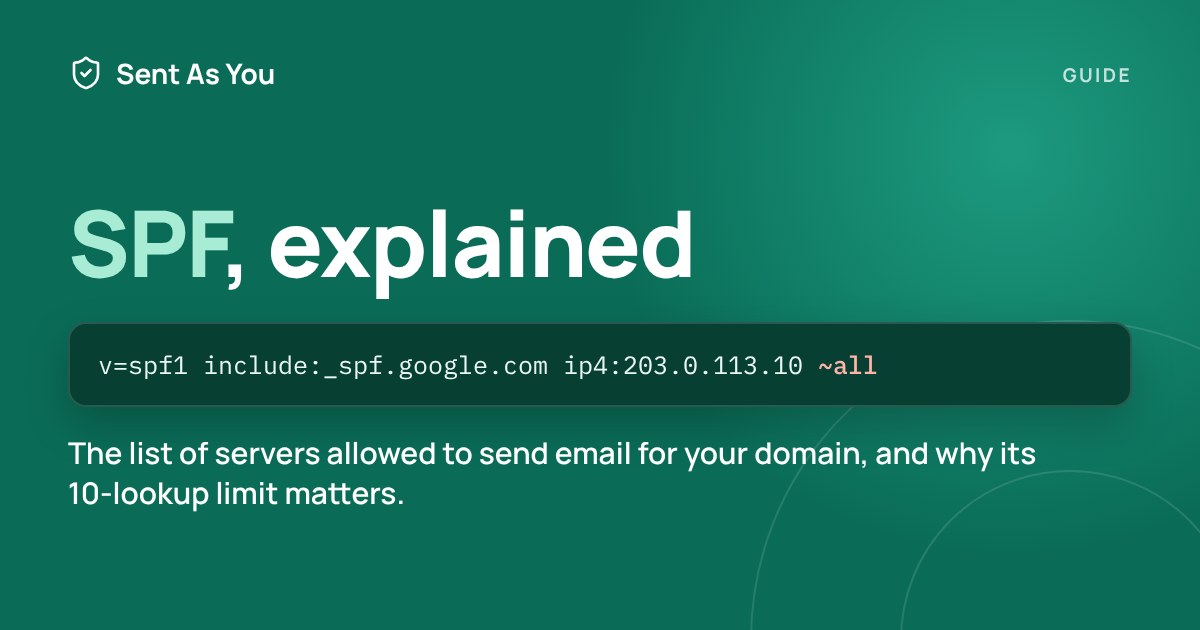
SPF, the Sender Policy Framework, is the oldest of the three email authentication standards and the easiest to get wrong. It is a single DNS record that lists which servers may send email for your domain. This guide covers how it works, how to read a record, and the limit that silently breaks many of them.
What SPF checks
When a server receives a message, it looks at the domain in the envelope sender, also called the Return-Path or MAIL FROM. This is the address bounces go to. It then fetches that domain's SPF record and checks whether the connecting server's IP address is on the list.
Note what SPF does not check: the From address the reader sees. A newsletter tool can send your campaign with its own domain in the Return-Path. SPF passes, but for the tool's domain, not yours. That is why SPF alone does not stop anyone from impersonating you, and why DMARC adds the requirement that the two domains match.
How to read an SPF record
An SPF record is a TXT record on the domain itself:
v=spf1 include:_spf.google.com include:sendgrid.net ip4:203.0.113.10 ~allIt is read from left to right, and the first match wins.
| Part | Meaning |
|---|---|
v=spf1 | Marks the record as SPF. Always first. |
include: | Also accept whatever that other domain's SPF record accepts. |
ip4: / ip6: | Accept this address or range directly. |
a / mx | Accept the addresses of the domain's A or MX records. |
~all | Everything else is a soft fail: probably not allowed. |
-all | Everything else is a hard fail: not allowed. |
The 10-lookup limit
To protect receiving servers from endless DNS chains, the standard caps the number of DNS lookups a single SPF check may cause at ten. Every include, a, mx, exists and redirect counts, and so does every lookup inside the records you include. ip4, ip6 and all cost nothing.
This adds up quickly. Including one large provider can use three or four lookups by itself, because its record includes others. Add a newsletter tool, a helpdesk, a CRM and a billing system, and you are past ten without noticing.
When that happens the result is a permanent error, and the check fails for all your mail, including mail from servers that are correctly listed. Nothing warns you. The record still looks fine in your DNS panel.
There is a second, less known limit: no more than two lookups may come back empty. Leftover includes that point at domains which no longer exist can trip it.
How to stay under the limit
- Remove includes for services you no longer use. This is the most common cause.
- Replace
aandmxwith the actual addresses if they rarely change. - Move a service to its own subdomain, such as
news.example.com, which gets its own record and its own ten lookups. - Check whether each service needs SPF on your main domain at all. Many send with their own Return-Path and rely on DKIM for alignment.
Common mistakes
- Two SPF records. A domain may have only one. Two records produce a permanent error. Merge them.
+all. This authorises the entire internet to send as you.- Forgetting a sender. The website contact form and the invoicing tool are the usual suspects.
- Assuming SPF passing is enough. If the pass is for your provider's domain instead of yours, it does not count for DMARC.
Soft fail or hard fail?
Both ~all and -all say that unlisted servers are not authorised. Once you have DMARC in place, ~all is generally the safer choice. Some receivers reject a message on a hard SPF fail before they ever look at DKIM, which can block forwarded mail that would otherwise have passed. The DMARC standard itself warns about this. With ~all, the final decision is left to DMARC, where it belongs.
Why SPF is not enough by itself
SPF breaks on forwarding. When a message is forwarded, the forwarding server becomes the sender, and it is not on your list. DKIM survives forwarding because the signature travels with the message. This is why you want both, and why the standard says a domain that publishes p=reject must sign with DKIM and not rely on SPF alone.
How to check yours
Look up your record with the record checker, count the lookups, and compare the list against the services that really send for you. Your DMARC reports show the SPF result for every sending server, which is the fastest way to find a sender missing from the record.
Sources
New articles are announced on LinkedIn. Follow Sent As You